Proof
travels farther than explanation
Video makes the repair story easier to believe because it is harder to misunderstand.
The command center for serious service shops. Free to self-host, or $37 a month if you'd rather we host it.
Lens video
Lens is a video layer for walkarounds, repair explanations, and customer-facing proof. It is one of the clearest ways Home Base can feel different from a generic shop system.
Proof
Video makes the repair story easier to believe because it is harder to misunderstand.
Bay
The strongest Lens story is that the content starts where the work happens and ends where trust happens.
Auto
Upload, transcode, thumbnail, captions, and playback happen without the team needing a media department.
Share
The final viewing experience feels intentional, not like a raw file tossed into a text thread.
Actual Lens surface
Lens is stronger when buyers can see the real video library instead of a stylized media widget.
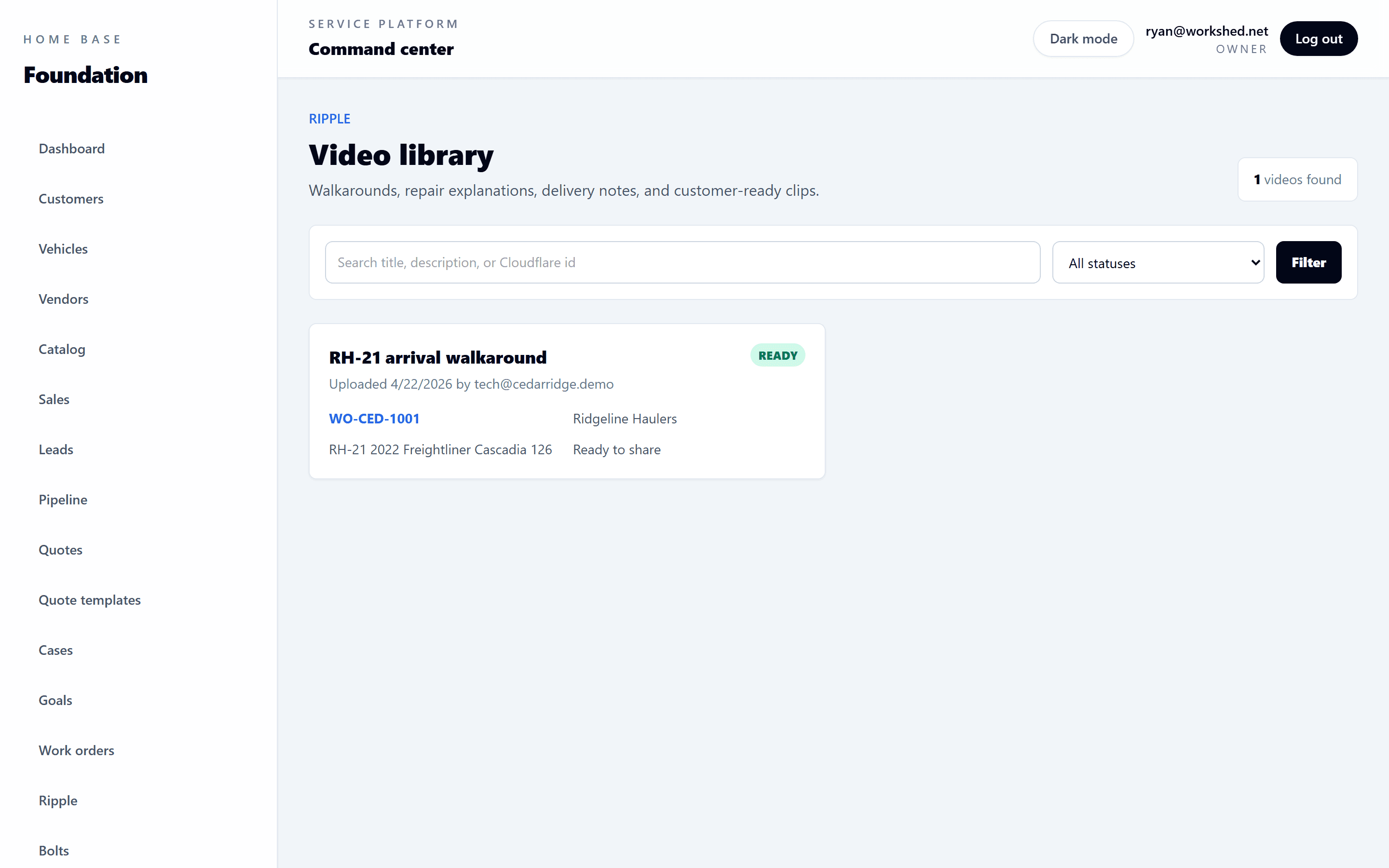
Lens library
The shop can keep walkarounds and repair explanations in a library built for customer communication.
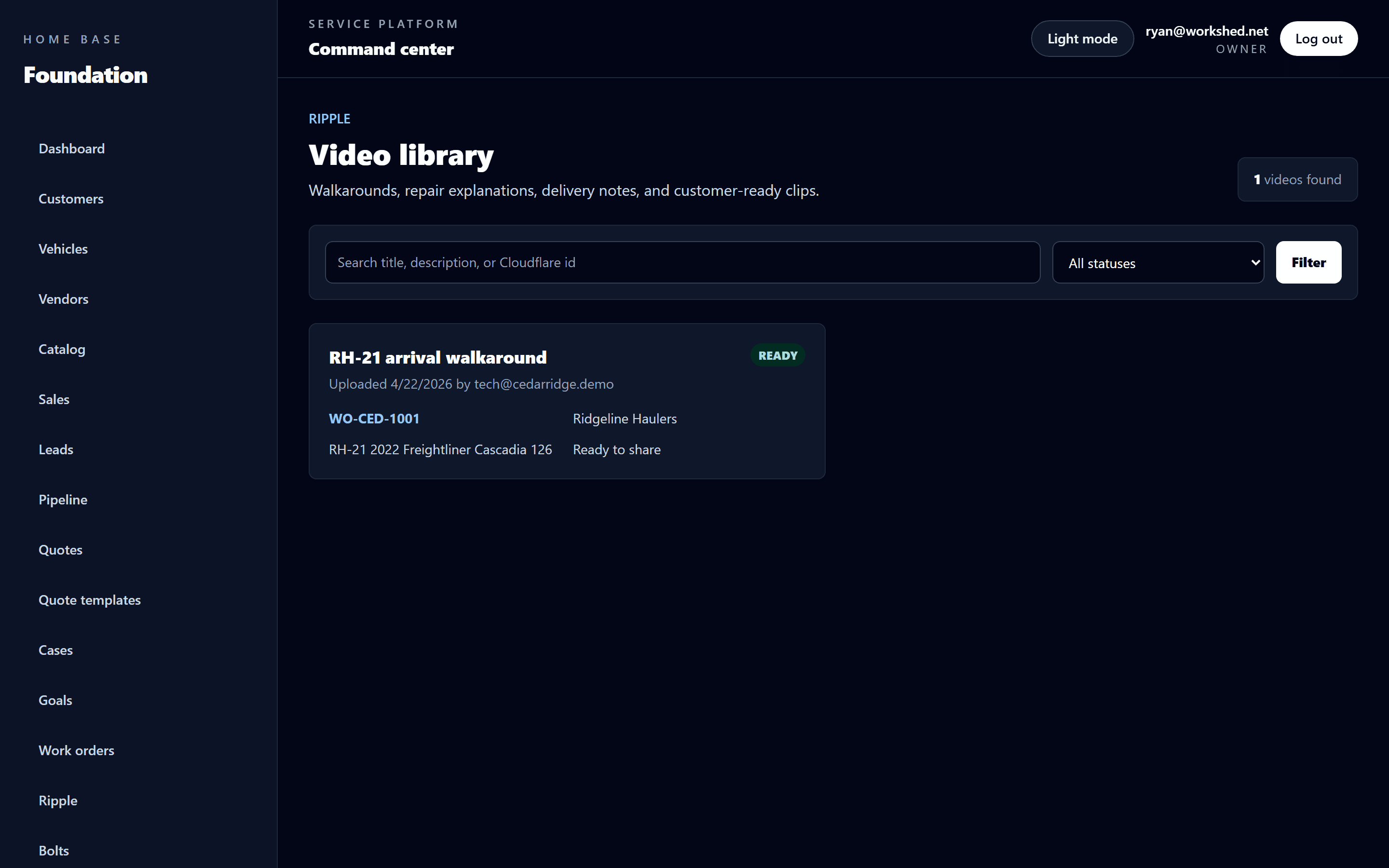
Contrast view
Dark-mode captures give Lens a stronger proof surface while still showing the actual product.
Flow
Video turns trust into something visible. It helps the shop explain repairs with more confidence than text alone.
Capture walkarounds, repair explanations, and condition updates from the floor without a separate media workflow.
Uploads, thumbnails, captions, and playback are handled in the background so the team stays focused on the work.
Customer-safe share links give the front desk a cleaner way to explain what is happening and why it matters.
Use-case framing
That keeps it grounded in shop outcomes instead of turning it into a standalone media feature.
Show the actual issue while the estimate conversation is still active.
Keep customers informed without asking the shop to type long explanations repeatedly.
Use the final delivery moment to reinforce confidence in the shop.
Lens FAQ
The answers here should make Lens feel practical, trust-building, and fully part of the larger platform.
Because it is a memorable wedge. Many systems can say they manage jobs. Far fewer can say they help shops show the work in a customer-ready way.
Practical and trust-building. This is not content marketing for its own sake; it is operational communication that happens to use video well.
Making it sound like a standalone media tool. Lens matters most as part of the larger Home Base customer-trust narrative.